CUSTOM LAB COUNCILS · VISUAL PREPARATION
What file do you send to print your logo on a garment?
A clean file allows the workshop to study rendering before customizing your shirt, sweater or tote bag. Here are the items to prepare before asking for a quote.
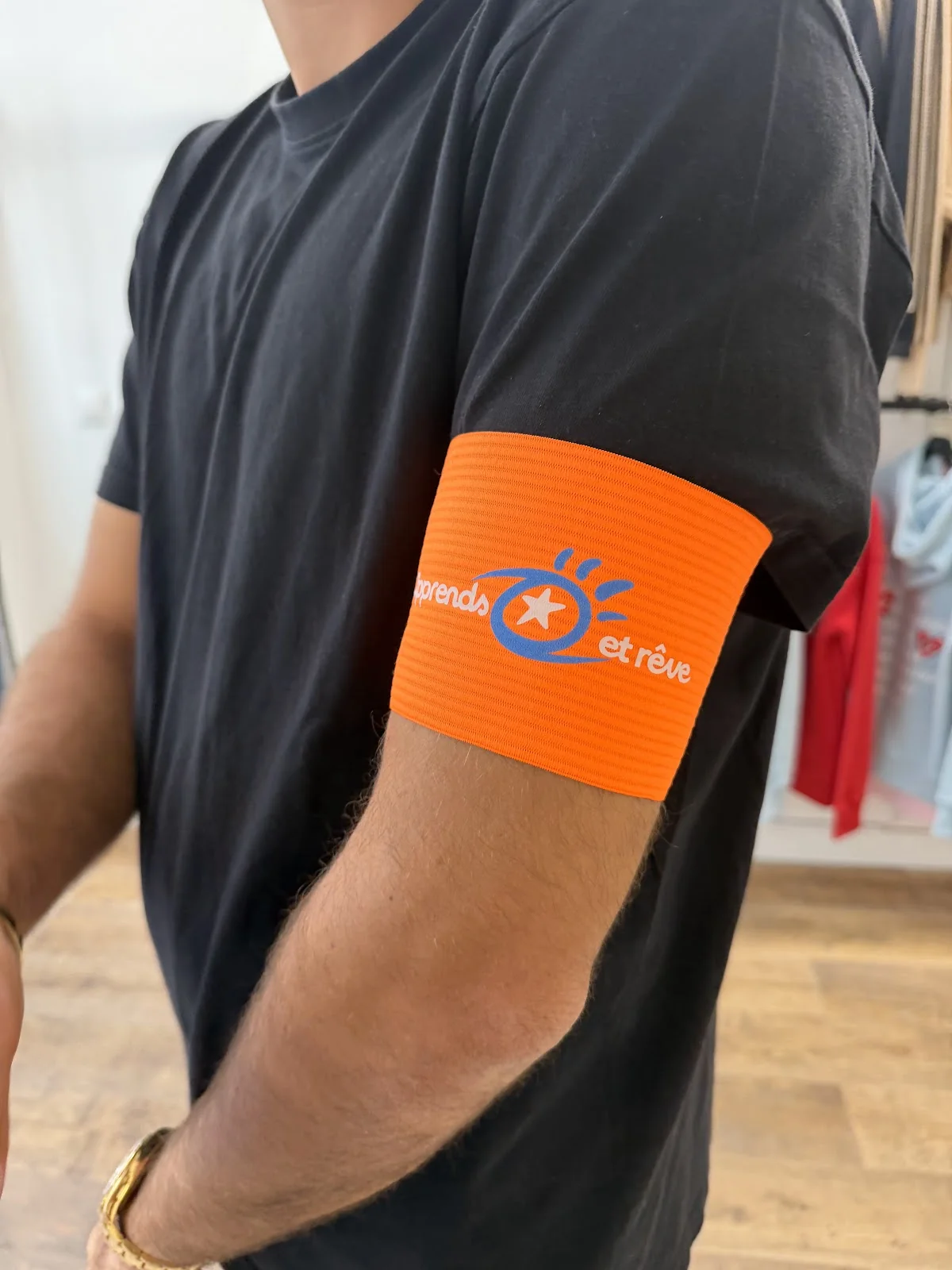
Focus the original file
Send the file used to create your logo if you have it: for example an AI or PDF vector document. A vector drawing can be resized without depending on a fixed number of pixels. Good quality PNG can also be useful for some projects. Our team will tell you what suits the chosen technique.
Check size and sharpness
Specify the desired width and height in centimetres, as well as the location. For a matrix image, the quality depends on the number of pixels available at the final size. A common reference for a net print is 300 pixels per inch to the expected size, but needs vary depending on the visual and technique. Artificially increase this value does not recreate missing details.
Transparent background and colours
If the drawing must appear without background rectangle, provide a PNG with true transparency if possible. Also check the spelling and colours. A screen and a textile can give different perceptions: share your color references and discuss the desired rendering with the workshop.
The details to remember
Very fine, small or degraded traits may require adaptation depending on the size of the marking and technique. For names or variable numbers, attach a clear list of each text to the size and colour of the garment.
Before starting production
Reread the texts and check the size and position of the proposed model. Report your time, material and washing constraints on demand. Custom Lab then confirms the feasibility and the estimate before manufacture.
To go further
Also to read
Tell us about your project.
Our team will accompany you to Paris and for your projects in Neuilly sur Seine and France.